Delete Profile
If you would like to permanently delete your account in the Štednjak app, follow the steps below. Account deletion is irreversible — all your data will be permanently removed.
Steps to delete your profile
- Open the Štednjak app
Launch the app on your mobile device and sign in to your account.
- Go to Settings
Tap the profile or menu icon in the top right corner of the screen, then select "Settings".
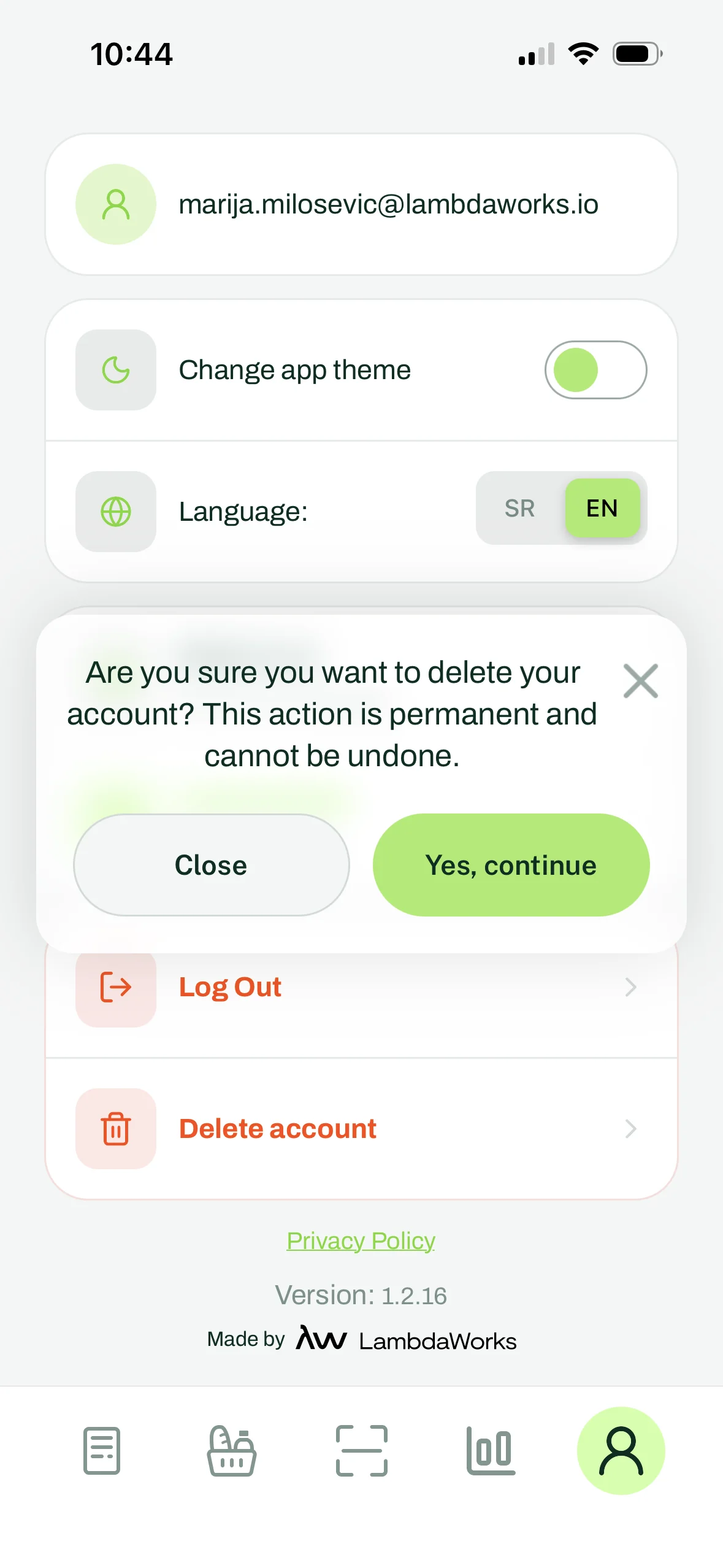
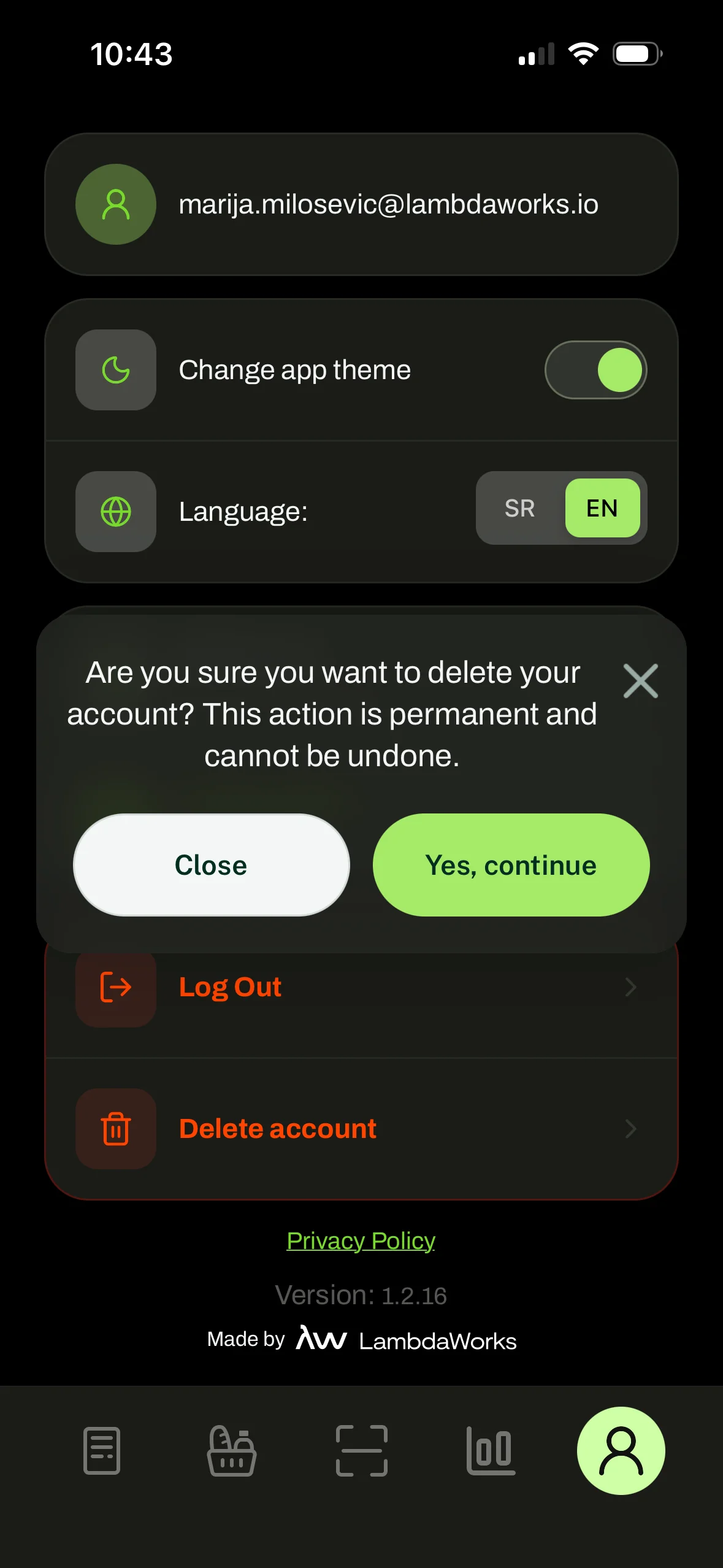
- Select "Delete Account"
Scroll to the bottom of the settings page and tap "Delete Account".
- Confirm deletion
The app will ask you to confirm your decision. Tap "Yes, continue" to permanently delete your account.
What happens after deletion?
- Your account and all associated data will be permanently deleted.
- Personal data will be erased within 30 days in accordance with our Privacy Policy.
- Anonymized price data may be retained for statistical purposes.
- This action is irreversible — it is not possible to recover a deleted account.
Alternative way to delete
If you are unable to delete your account through the app, you can send a deletion request to the following email address: office@lambdaworks.rs
In your message, include the email address you registered with and the subject line "Account Deletion Request". Your request will be processed as soon as possible, and no later than the legal deadline of 30 days.